Otter.ai
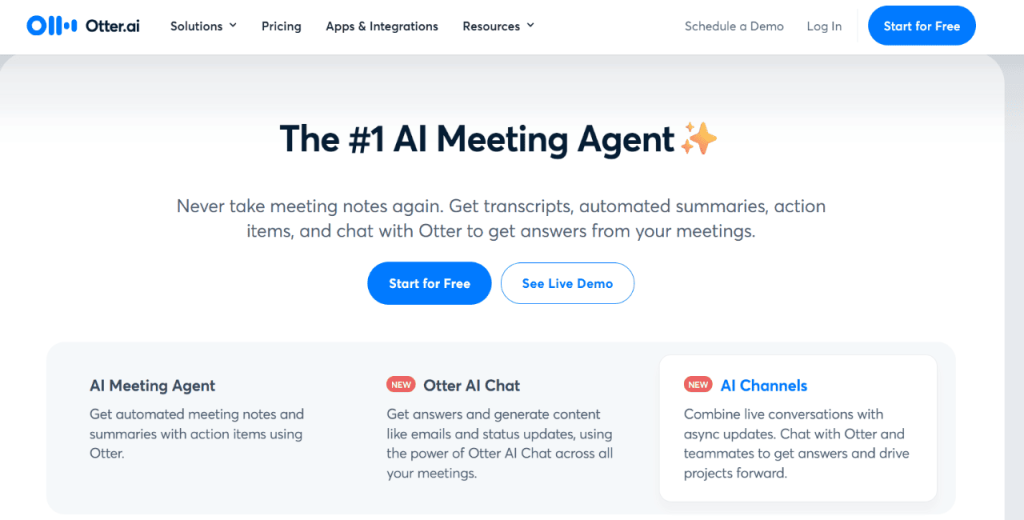
Otter.ai automates the most time-consuming parts of meetings.
First, it automatically joins Zoom, Google Meet, and Microsoft Teams calls. Then, it records, transcribes, and summarizes what was said. With Otter in the meeting, attendees don’t need to take notes. Instead, they can follow the transcript live or review it afterward.
Otter can also summarize hour-long meetings. The summaries make it easier to follow through on what was agreed during the call.
Otter.ai also lets users ask questions about past meetings. It can generate follow-up emails and status updates, saving time you’d otherwise spend searching through transcripts.
And because Otter sends summaries and action items to Slack, email, and CRMs, updates reach others right after the meeting ends.
Otter works in different settings.
Sales reps, for instance, can use it to pull insights from call transcripts and send follow-ups. Recruiters, on the other hand, can use it to review summaries from interviews. Meanwhile, educators can get real-time captions and searchable notes for lectures and discussions.
Otter.ai pros:
- Auto-joins meetings
- Real-time transcription
- Allows CRM and Slack sharing
Otter.ai cons:
- No call recording
- Limited calendar features
- AI chat is still basic
Otter.ai pricing:
- Basic—Free but with limited features
- Pro—$8.33 per use per month
- Business—$20 per user per month
- Enterprise—contact sales
Fireflies.ai
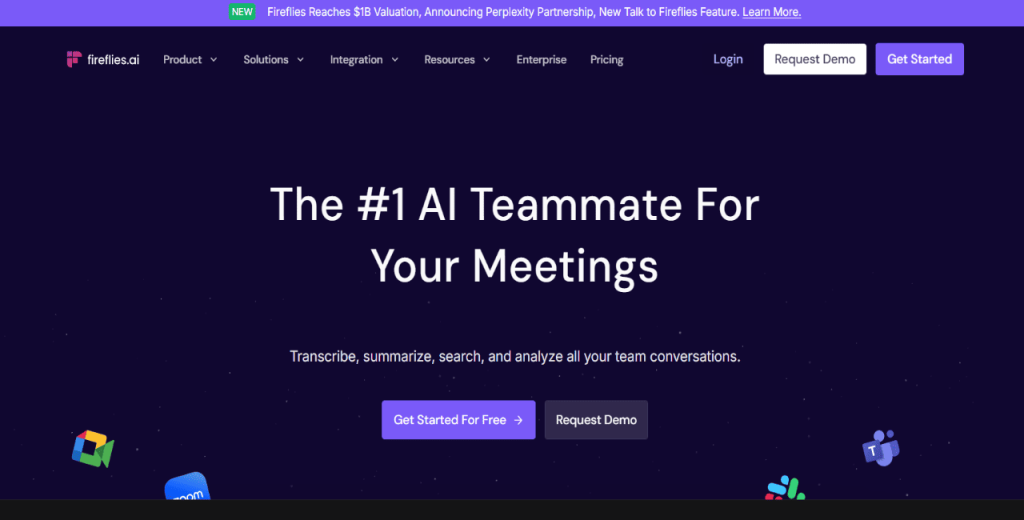
Once added to a Zoom, Google Meet, or Microsoft Teams call, Fireflies.ai can do a couple of things.
It can create transcripts and detailed summaries that include action items, bullet points, and custom notes. Fireflies can also transcribe audio and video files or record in-person conversations through the mobile app.
That said, Fireflies is a good AI meeting assistant for in-person meetings if you want a tool that allows you to revisit past meetings.
It comes with an AI-powered search function that allows you to jump to the exact sentence or topic from any past call. You can also ask Fred, Fireflies’ AI, to review meeting content and answer questions about what was discussed.
The software also tracks the duration of each person’s speech and the topics that arose. That way, you can sort meetings by sentiment, subject, or speaker to review patterns and identify common themes.
Fireflies.ai also integrates with Slack, Salesforce, HubSpot, and Trello. It can send meeting notes to channels or dashboards and create tasks based on what was said, saving time on follow-up.
Fireflies.ai pros:
- Offers AI summaries
- Has an AI-powered search
- Task auto-creation
- App and CRM integration
Fireflies.ai cons:
- No call participation
- AI responses are sometimes vague
- Manual edits required
- Can mislabel speakers
- Limited offline features
Fireflies.ai pricing:
- Free—Offer limited features
- Pro—$10 per seat per month
- Business—$19 per seat per month
- Enterprise—$39 per seat per month
Sembly AI
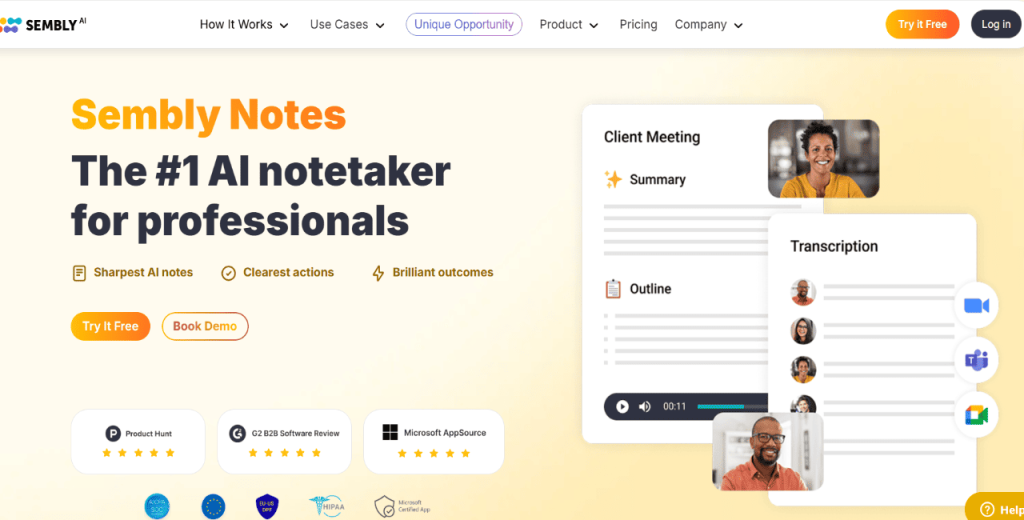
If you’re looking for an AI meeting assistant that delivers detailed insights, structured follow-through, and searchable records, check out Sembly AI.
The tool can record, transcribe, and summarize meetings from various platforms, including Zoom, Google Meet, Microsoft Teams, and Webex. It also works with uploaded files and offline conversations, giving you more ways to document what was said.
After a meeting ends, Sembly produces summaries that include action items, decisions, and key insights. It then assigns tasks based on the discussion and tracks who’s responsible. The summaries are searchable, speaker-labeled, and available in over 45 languages.
In addition, Sembly’s AI can also answer questions about past meetings and suggest follow-ups. Plus, you can use it to generate content such as project briefs, sales pitches, or user stories. Or, chat with it to explore what was discussed, receive updates, or identify any missing details.
Furthermore, Sembly can review multiple meetings, identify repeated topics, and build detailed reports. That works well for sales, product, HR, finance, and leadership roles that require tracking progress or flagging concerns early.
And, as you’d expect with the best AI meeting assistants, Sembly can integrate with CRMs, project tools, and productivity apps to keep everything in sync.
Sembly AI pros:
- Multi-platform recording
- Task auto-assignment
- Multi-meeting insights
- 45+ language support
Sembly AI cons:
- No live captioning
- Some reports feel generic
- Cluttered interface
- Limited mobile features
Sembly AI pricing:
- Professional—$10 per user
- Team—$20 per user
- Enterprise—contact sales for pricing
Fathom
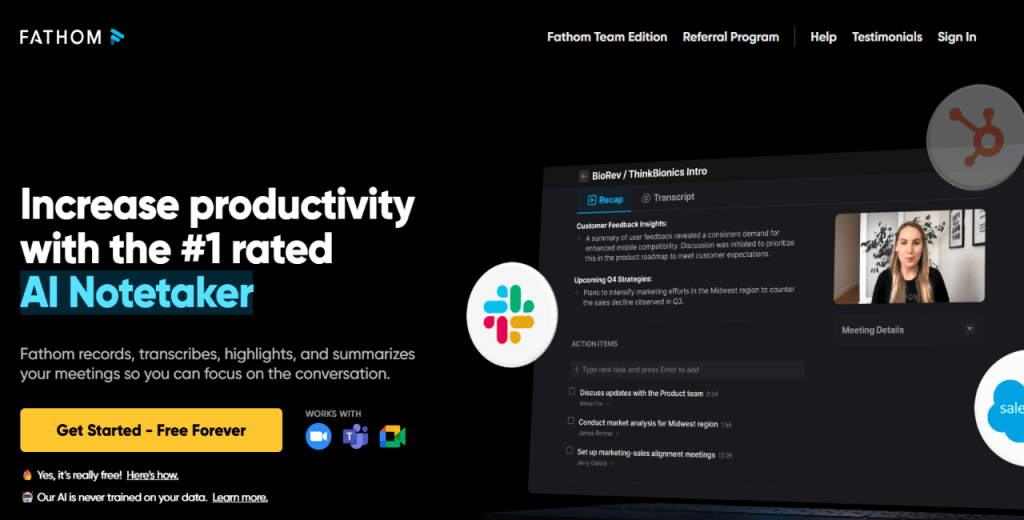
Fathom thrives on its ability to generate instant summaries, searchable content, and a quick way to share what happened in the meeting.
It can populate summaries within 30 seconds after the call ends.
Fathom also creates short recaps with action items and meeting highlights. Plus, you can integrate it with CRMs like Salesforce, HubSpot, and Close to sync meeting summaries and tasks automatically.
The software also lets you create short video clips from your calls. These clips are useful when sharing context in Slack or project tools. They show exactly what was said and when it was said.
It can even send summaries and action items to Gmail, Google Docs, Asana, Notion, or Todoist.
Fathom does more than note-taking, though. You can ask it questions, generate follow-ups, or search past conversations. The AI then reviews your questions and replies with answers or suggestions.
What’s more, Fathom is multilingual. It can translate summaries into over 25 languages, which makes it useful for global meetings.
One more thing—Fathom is compatible with Zoom, Google Meet, and Microsoft Teams.
Fathom pros:
- Instant meeting summaries
- Clip-based sharing
- AI follow-up prompts
Fathom cons:
- No offline recording
- Clip editing limited
- No native mobile app
Fathom pricing:
- Free version with limited capabilities
- Premium—$15 per user per month
- Team Edition—$19 per user per month
- Team Edition Pro—$29 per user per month
Avoma
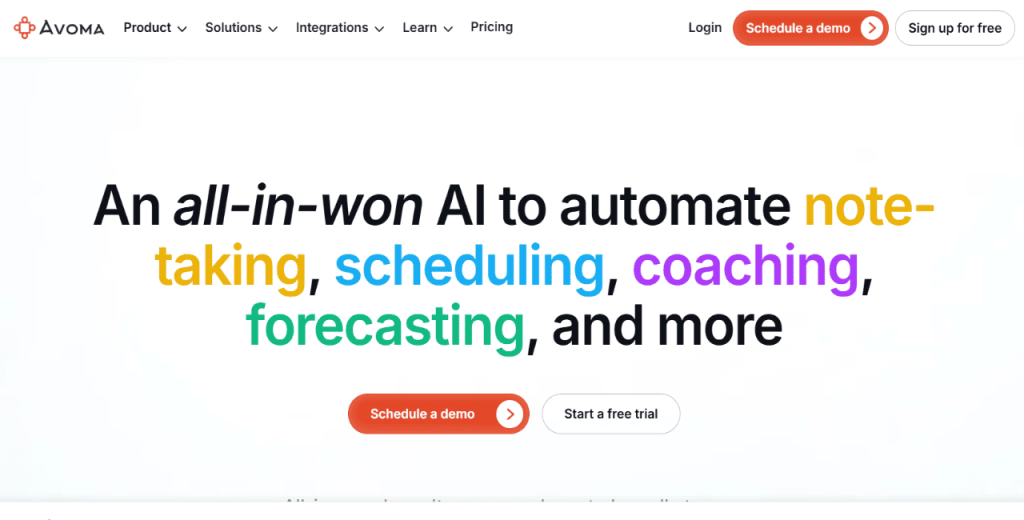
Avoma is one of the best AI meeting assistants if you’re looking for a solution that provides pipeline insight.
It’s also a good pick to help you automate note-taking, streamline scheduling, and gain better visibility into customer conversations.
As a meeting assistant, Avoma records, transcribes, and summarizes calls held on Zoom, Google Meet, or Microsoft Teams.
After each call, it creates structured notes with key moments, follow-up items, and CRM updates. These notes are organized into labeled sections called Smart Chapters. You can use the notes to find specific parts of the conversation easily.
During live calls, Avoma can act as a real-time assistant. It generates responses to objections and provides input based on sales data and conversational patterns. The platform also tracks who spoke, for how long, and what topics came up.
In addition, it can book meetings, qualify leads, and assign them to the right rep using custom rules. This works for both inbound and outbound meeting flows.
For sales leaders, Avoma provides insights into deal health, churn risk, and pipeline movement. Lastly, it tracks conversation trends and ties them back to outcomes.
Avoma pros:
- Built-in scheduler
- Real-time objection handling
- Deal risk tracking
Avoma cons:
- Some users report a steep learning curve
Avoma pricing:
- Startup—$19 per seat per month
- Organization—$29 per seat per month
- Enterprise—$39 per seat per month
- Conversation Intelligence—$29 per seat per month
tl;dv
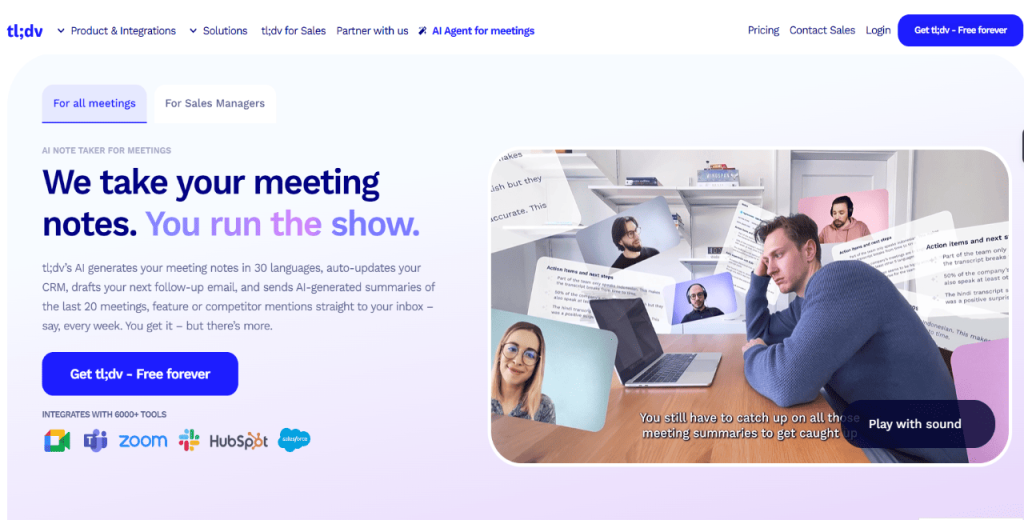
Wrapping up our collection of the best AI meeting assistants is tl;dv, a multilingual AI note-taker for Zoom, Google Meet, and Microsoft Teams.
It records meetings, transcribes conversations, and delivers summaries in over 30 languages. This makes tl;dv ideal for cross-border operations.
Unlike most AI meeting assistants, tl;dv can track competitor mentions, product feedback, and customer objections. It then delivers a weekly report to your inbox. These reports can come in handy if you want a 360-degree view of what’s happening in sales, support, or research calls.
The AI also drafts follow-up emails and logs meeting notes into your CRM automatically. It records deals, action items, and outcomes, then lets you review and send with a single click.
tl;dv includes coaching tools too. It analyzes calls, monitors playbook adherence, and pulls clips to train new reps.
You can also ask tl;dv questions about past meetings. The AI scans conversations and responds with answers or common trends, so you won’t waste time canvasing through transcripts.
tl;dv pros:
- Multilingual support
- Weekly AI insights
- Sales coaching tools
tl;dv cons:
- Some users report recording issues
tl;dv pricing:
- Pro plan—$18 per seat per month
- Business—$39 per seat per month
- Enterprise—contact tl;dv for pricing
With so many options, how do you choose? Let’s break down how these tools stack up.
How do they compare?
The AI meeting assistants above differ in terms of their capabilities and best use cases.
Here’s a table comparing the AI tools.
| Tool |
Best for |
Key features |
Starting pricing |
| Jason AI SDR |
Filling your calendar with qualified meetings |
Real-time booking, personalized outreach, multichannel prospecting, auto-responses |
$300 per month |
| Otter.ai |
Automating meeting notes and summaries |
Auto-join, live transcription, CRM/Slack sharing, AI-generated summaries |
$8.33 per user per month |
| Fireflies.ai |
Post-meeting search and task management |
AI summaries, AI search, auto task creation, CRM & app integrations |
$10 per user per month |
| Sembly AI |
Multi-language documentation and insights |
Multi-platform recording, task assignment, multi-meeting analysis, 45+ languages |
$10 per user per month |
| Fathom |
Instant summaries and short video clips |
30-second summaries, clip sharing, AI Q&A, CRM & task tool sync, 25+ languages |
$15 per user per month |
| Avoma |
Sales-focused notes and pipeline visibility |
Scheduler, real-time sales input, Smart Chapters, objection handling, and deal tracking |
$19 per user per month |
| Rewatch |
Async teams and video-first documentation |
Video library, searchable transcripts, speaker timestamps, Slack/calendar integration |
$23.75 per user per month |
| tl;dv |
Global teams and coaching insights |
30+ language support, coaching tools, CRM logging, trend reporting, competitor & feedback tracking |
$18 per seat per month |
You’re probably wondering: how did we pick these? Here’s a quick peek at our process. Yet, before….




![The Ultimate Email Deliverability Toolset for 2026 [15+ Tools]](https://test.reply.io/wp-content/uploads/deliverability-300x158.jpg "The Ultimate Email Deliverability Toolset for 2026 [15+ Tools]")