One of Reply’s key strengths is intent-based outreach. This means you can act when someone shows interest, like visiting your website. Reply can turn those website visits into new contacts and add them directly into your sales workflow. From there, you can automatically send emails, add people to sequences, or organize them into lists.
Reply is mainly used by sales and marketing teams who want to save time, stay organized, and reach prospects at the right moment with the right message.
Website Visitors in Reply helps you capture people who visit your website and turn them into contacts. These visitors already showed interest, which makes them great prospects. Follow the steps below to set it up.
Step 1: Open website visitors
Log in to Reply.
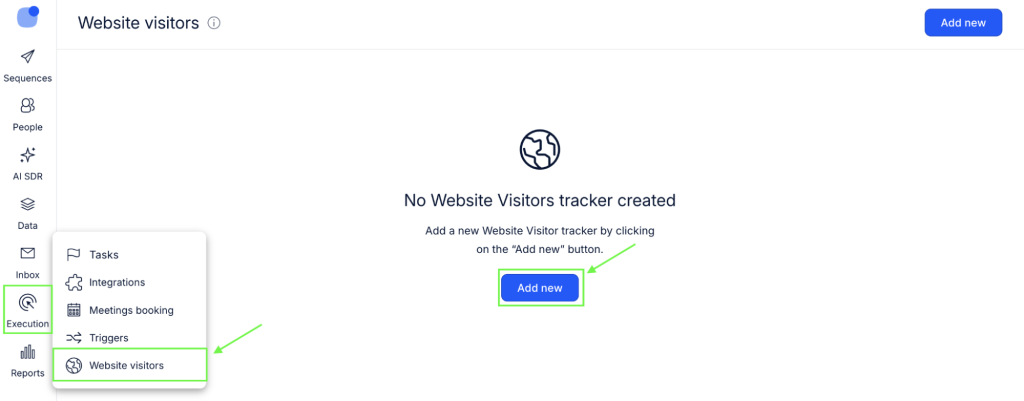
Go to Execution → Website visitors.
Step 2: Add a new website
Click Add new.
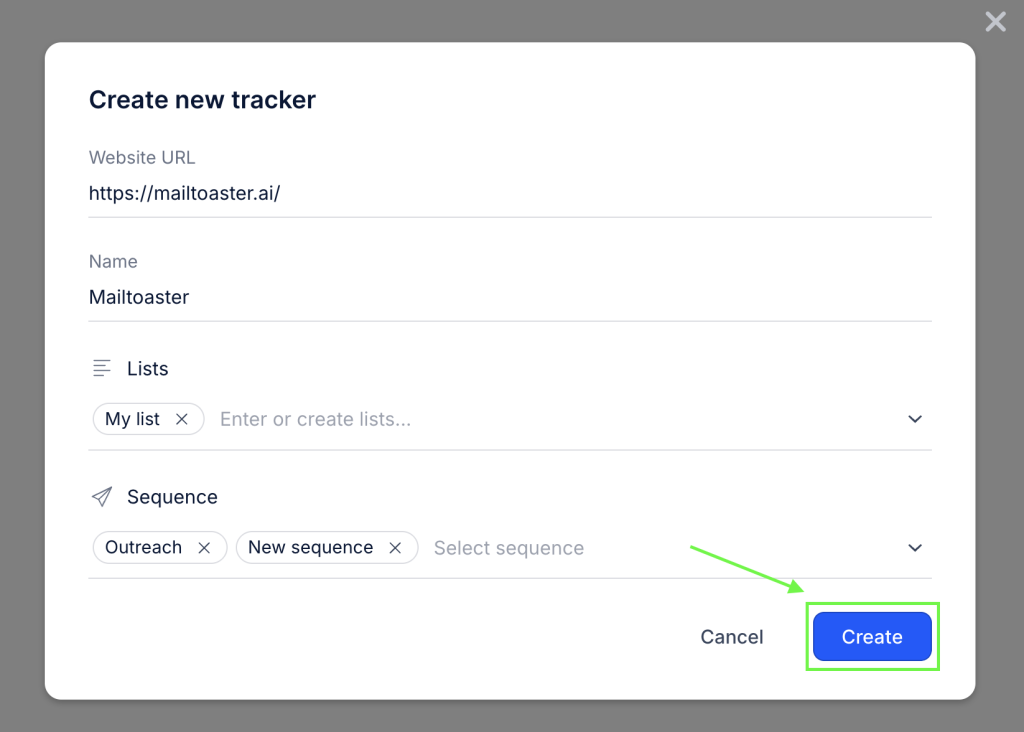
Enter your website URL.
Reply will create a website name automatically, but you can edit it if needed.
Step 3: Choose where contacts go (optional!)
You can choose a list or a sequence to add visitors to.
If you skip this step, new contacts will be added only to the general People page.
This step is useful if you want visitors to start receiving emails automatically.
Step 4: Create the connection
Click Create.
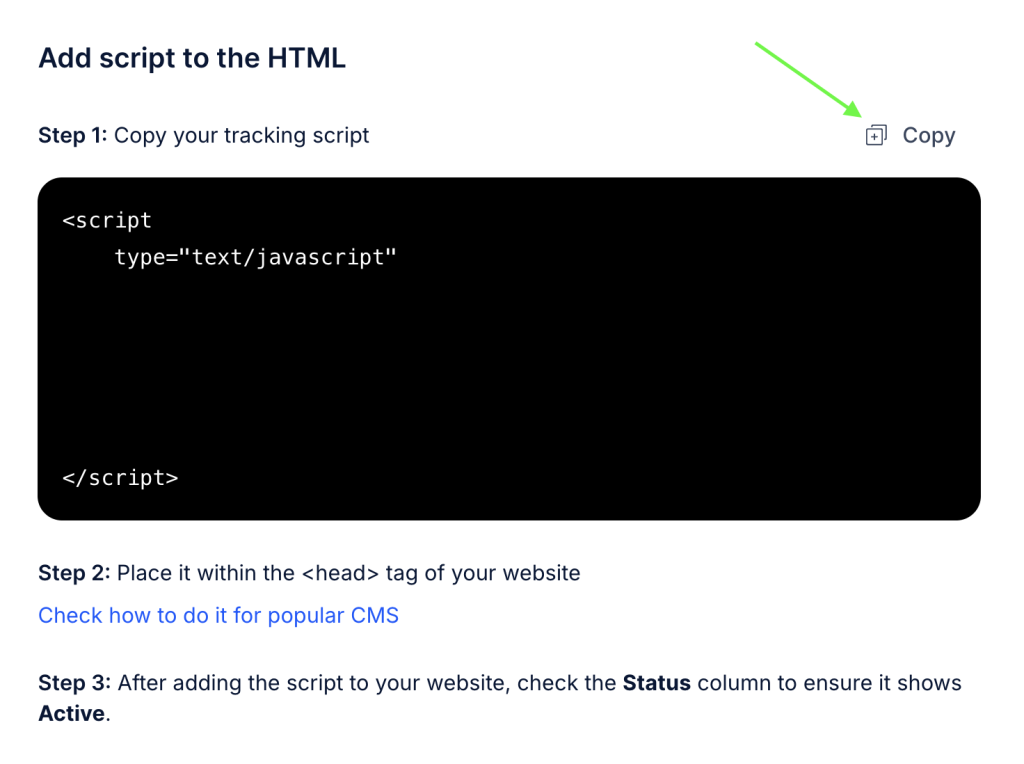
Reply will now show you a tracking script.
Step 5: Install the tracking script
Copy the tracking script.
Paste it into the header of your website.
If you use a CMS or website builder, follow the guide provided by Reply for your platform.
Step 6: Check the status
Go back to Website visitors in Reply.
The status should show Active.
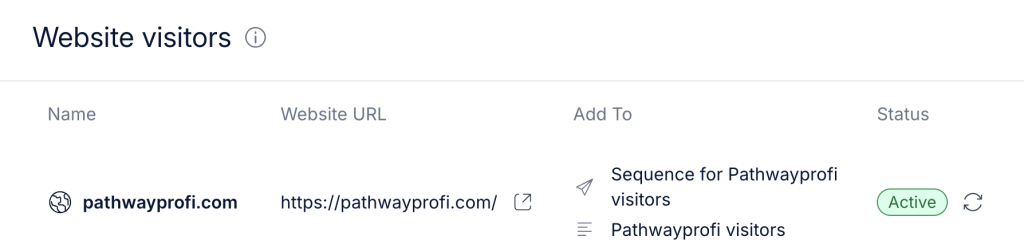
If it says Not installed, the script is missing.
If it says Site unavailable, check your website URL.
How contacts are created
Reply only creates new contacts.
Before creating a contact, it checks for existing ones in this order:
- Email address
- LinkedIn profile
- First name + last name + company
If a match is found, no new contact is created.
Repeat visits from the same person are not tracked.
Finding website visitor contacts
Go to the People page.
Use the smart filter Creation Source → Website Visitor.
You can also export visitors from the Website Visitors page as a CSV file.
That’s it. Your website is now working as a lead source, quietly feeding your sales process behind the scenes
Google Analytics
Best for: Everyone who has a website
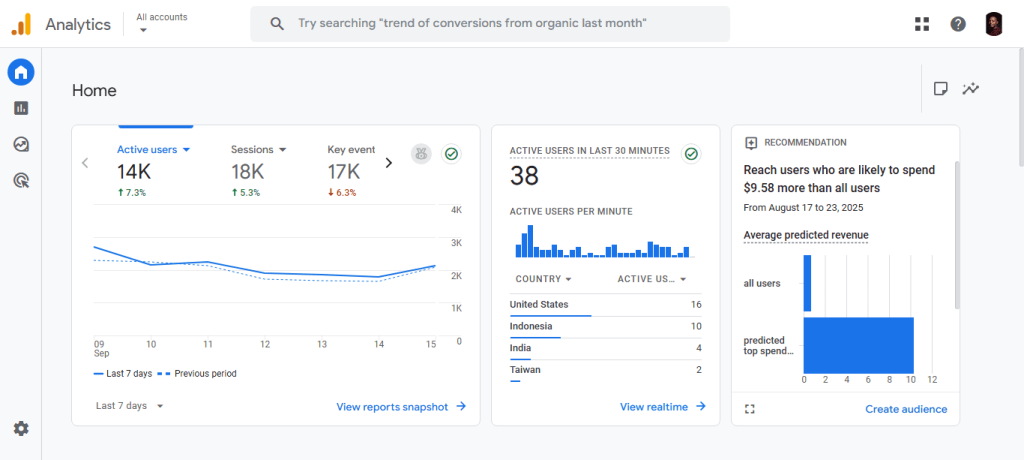
While GA won’t identify companies visiting your site, it provides the most basic website tracking needs at no cost. You can use it to track clicks, session duration, bounce rate, conversions, average engagement time, and many other types of data. This data will help you identify behavior patterns, the user journey, and the conversion path.
And if you are GDPR compliant, you unfortunately won’t have data for visitors who declined consent. But with behavioral modelling for consent mode, you can still fill that gap. It uses machine learning to model the behavior of those who declined tracking based on those who accepted tracking cookies.
Leadfeeder (now Dealfront)
Best for: B2B companies that only need website visitor tracking capabilities
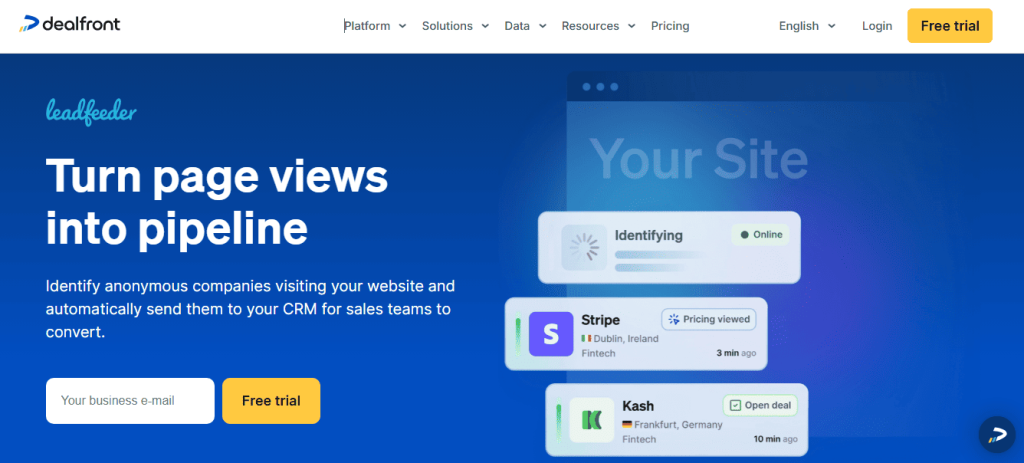
Leadfeeder identifies companies visiting your website using its proprietary database of IP addresses, then enriches that data with firmographic information. While they are now called Dealfront and have a suite of sales intelligence products, they still have Leadfeeder as a standalone app. And this is their website tracking product.
When someone visits your site, you can find potential leads at the company, see exactly what they did while on your site, review their growth trend, and even create a new deal inside the app when you integrate it with your CRM. You can also integrate it with Reply.io so that whenever you register a new lead, it’s automatically added to your outreach campaigns.
Pricing: Free forever plan and a $99/month billed annually plan. Their other Dealfront products are priced differently.
Albacross
Best for: B2B and SMBs that want both visitor identification, on-site and off-site intent signals, and a simple outreach capability.
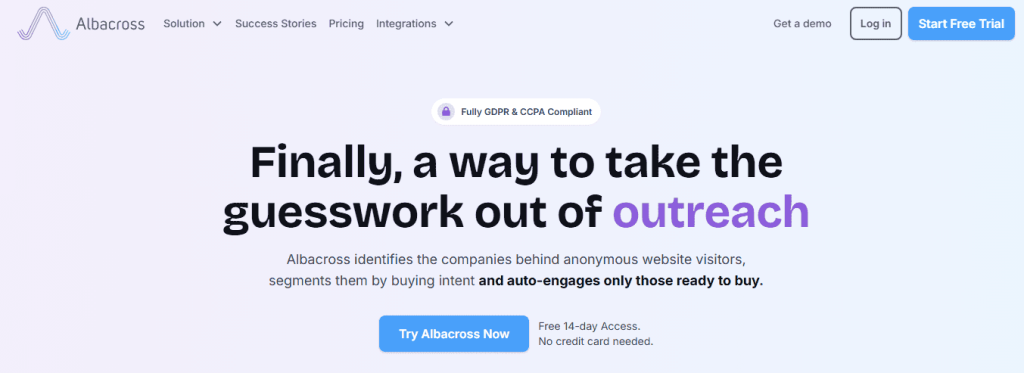
Albacross does website tracking, like most tools, such as Leadfeeder. It identifies which companies visit your site, which pages they viewed, and how long they stayed. But it goes beyond this by giving you intent signals that’ll help you find good leads.
It integrates with Bombora to track what your prospects research across the internet, and not just what they do on your site, and categorises them by their level of intent. So you’ll be able to identify high-interest topics and monitor their on-site intent signals to give you a holistic picture of where they are in their buying journey.
Albacross also has a simple outreach campaign tool that lets you run automated campaigns to your leads. But we all know these campaigns can sometimes seem generic to the person receiving them, and they end up ignoring them. So you can integrate Albacross with Jason AI SDR to run your AI-assisted campaigns. The AI will analyze where that person is in the buying journey, what their pain point is, what pages they visited, and create a personalized automated campaign specific to that lead.
Pricing:
- Starter – €79 per user per month billed yearly.
- Professional – €127 per user per month billed yearly
- Organisation – €159 per user per month billed yearly (minimum of 3 users)




![The Ultimate Email Deliverability Toolset for 2026 [15+ Tools]](https://test.reply.io/wp-content/uploads/deliverability-300x158.jpg "The Ultimate Email Deliverability Toolset for 2026 [15+ Tools]")